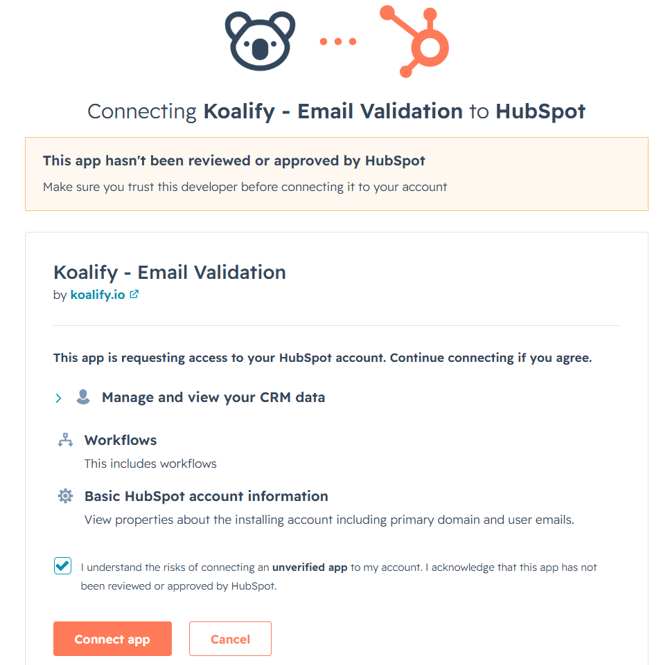
1. Open the Install Link
Click install via the HubSpot markteplace or this link.
2. Sign in to your HubSpot account
Log in with your HubSpot credentials.
If you don't have an account yet, you'll need to create one first. 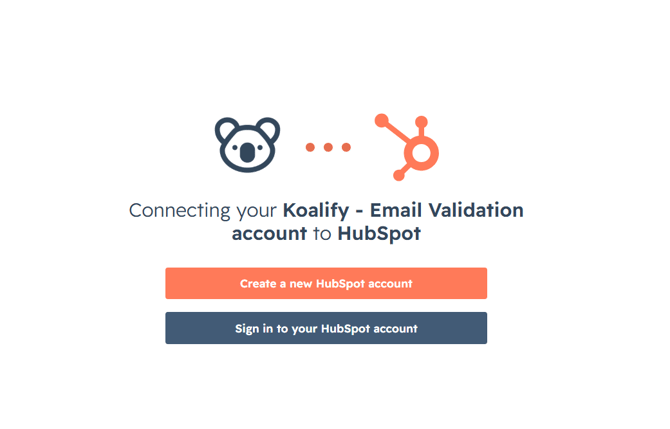
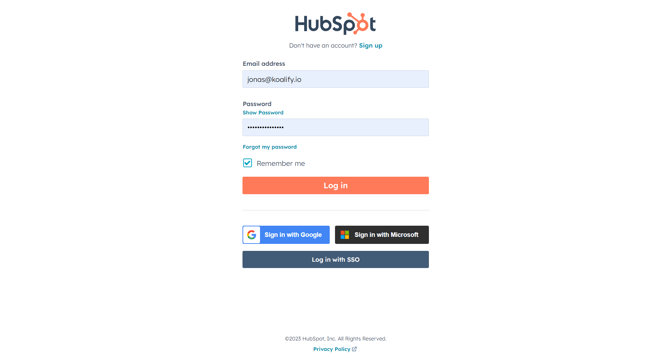
3. Authenticate with Your HubSpot Account
Confirm your identity using your normal HubSpot login. Since Koalify is fully native to HubSpot, you won't need any extra accounts or passwords.
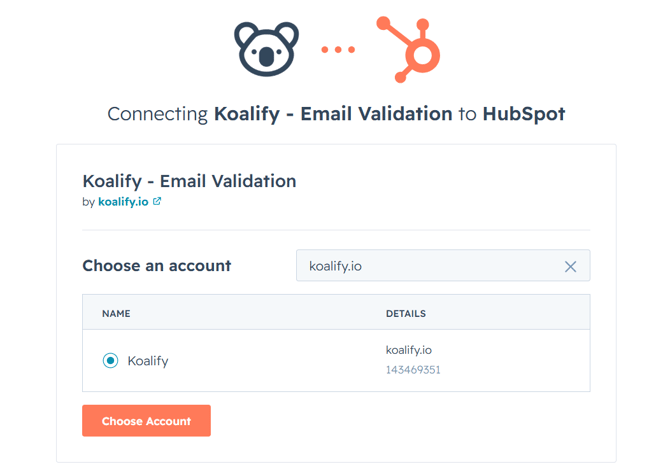
4. Select your HubSpot Account
Choose which HubSpot account you'd like to connect Koalify - Email Validation to.
5. Connect Koalify - Email Validation to HubSpot
Review the requested scopes, terms, and privacy policy, then click connect to complete the installation.