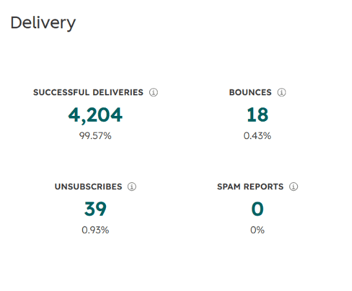


Your newsletter used to get a 30% open rate. The last three sends came in at 14%, 11% and 12%. HubSpot still reports 99% delivered, so on paper nothing is wrong. But replies have dried up, sales keeps hearing "I never got that email", and a colleague just found your latest campaign in their own spam folder.
Usually that's your sender reputation. It's invisible in HubSpot until it drops, and by then every campaign you send is paying for it. It's the second of the five levers in our HubSpot email deliverability guide. This post covers what sender reputation is, what builds and damages it, how to check yours from HubSpot, and how to rebuild it after a bad run.
What is sender reputation?
Sender reputation is the trust score mailbox providers like Gmail, Outlook and Yahoo give you as a sender. Each provider calculates it its own way and none of them publishes the formula, but the principle is the same everywhere: the more your recipients seem to want your mail, the more of it reaches the inbox.
It's built from two parts.
IP reputation belongs to the server address your email is sent from. Most HubSpot accounts send from HubSpot's shared IP pools, so this part is largely managed by HubSpot. It monitors its pools and takes action against senders who damage them. High-volume senders can buy a dedicated IP, but that makes the IP's reputation entirely your responsibility, including warming it up gradually.
Domain reputation belongs to your sending domain. Once you've connected and authenticated that domain in HubSpot, your mail is signed with it, and its reputation stays with you across IPs and even across email platforms. For most HubSpot teams, this is the part that decides whether mail lands in the inbox, and the part you have direct control over.
How sender reputation affects your HubSpot emails
Every email you send passes through the receiving provider's filters before anyone sees it. Your reputation is one of the first things those filters check. A strong reputation gets you the benefit of the doubt. A weak one means even a well-written, relevant email can go straight to spam, or be rejected entirely if the reputation is bad enough.
Two effects make it worse than it first looks. First, filters learn from individual recipients. If someone moves your email to spam once, your next email to them is more likely to go there automatically. Second, reputation applies to your whole domain. Sending to a cold, unengaged segment can hurt inbox placement for your best customers too, because they receive mail from the same domain.
There's also a platform-level risk. HubSpot monitors bounce and spam complaint rates across its sending infrastructure, and accounts that repeatedly exceed acceptable levels can have their marketing email sending restricted until the problem is fixed. For a team that relies on HubSpot for every nurture sequence and campaign, that's the worst outcome.
What decides your sender reputation
Bounce rates
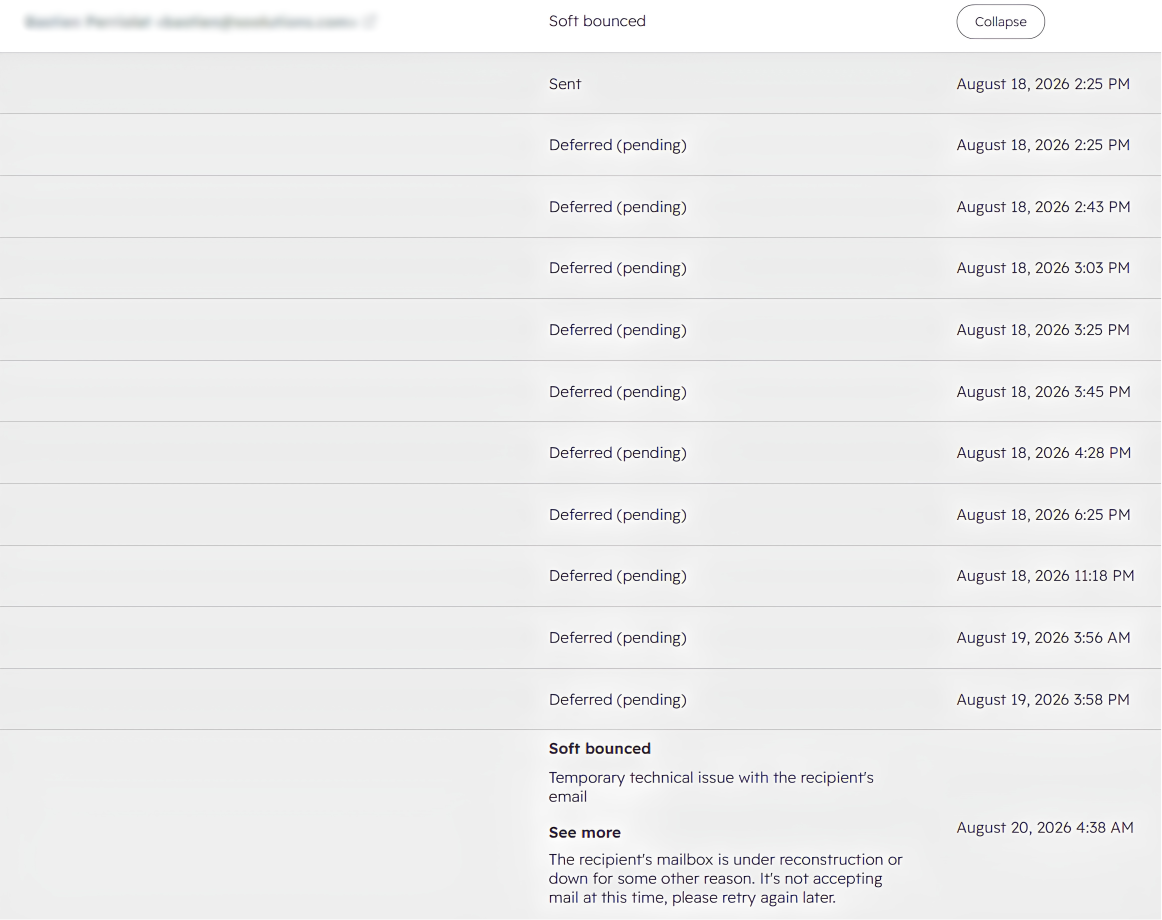
A soft bounce is temporary: a full mailbox, or a server that's briefly unavailable. A hard bounce means the address doesn't exist. Hard bounces are the ones providers care about, because a steady stream of them suggests you're not maintaining your list, or that you bought it. In a mature HubSpot portal, the usual cause isn't a bought list. It's years of contacts who changed jobs, form typos, and addresses from enrichment tools that were never verified. As a rule of thumb, keep your bounce rate under 2%.
Sending history and volume
Providers compare your behaviour with your own history. A domain that sends 5,000 emails a week and suddenly sends 80,000 looks like a compromised account or a bought list, even when the reason is harmless: a big event invite or a newly imported database. Consistent volume builds trust. Sudden spikes put it at risk.
Engagement
Opens, clicks, replies, and moving your email out of spam all tell providers the mail is wanted. Deleting without opening, and never interacting at all, tell them the opposite. Engagement now drives filtering more than almost anything else, which is why emailing your whole database "to stay top of mind" usually does more harm than good.
Spam complaints
When someone clicks "report spam", that's the heaviest negative signal you can get. Aim to stay under 0.1% of emails sent. At 0.3%, Gmail and Yahoo start rejecting your mail. One cause of complaints that's easy to miss in HubSpot is duplicate contacts. If one person exists as three records, they receive your campaign three times, and people who receive the same email three times are far more likely to report it than to unsubscribe.
Unsubscribe rates
A rising unsubscribe rate suggests you're emailing people who never really wanted your mail. That said, an unsubscribe does much less damage than a spam complaint. Make unsubscribing easy: every person who unsubscribes is someone who didn't report you instead.
Spam traps
Spam traps are addresses that providers and blocklist operators use to catch careless senders. Some were never used by a real person. Others are old, abandoned addresses that have been turned into traps. You won't know you've hit one until the damage shows up, and hitting enough of them can get your domain added to a blocklist. Old imports and lists from a previous CRM are the most common source.
How to check your sender reputation in HubSpot
No provider gives you a single reputation score, and HubSpot can't see inside Gmail's or Outlook's filtering. What you can do is watch the signals that make up your reputation.
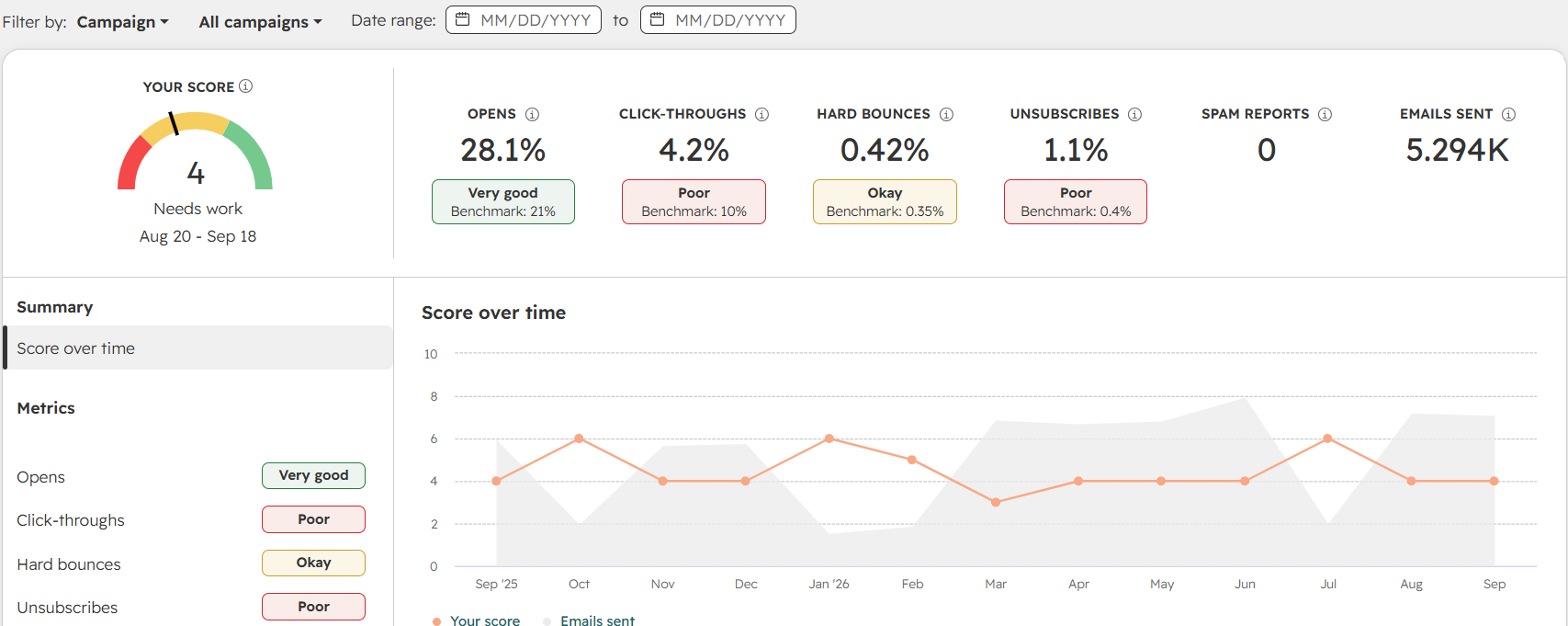
Start in HubSpot. Your marketing email analytics show bounce rate, spam report rate, unsubscribe rate and open rate for each send. Read them as a trend over several campaigns, not one number. The pattern that points to reputation trouble is a delivery rate that still looks healthy while opens fall and bounces or spam reports rise. If you're on Marketing Hub, check whether your account has an email health view, which compares these rates across all your sends. Also compare campaigns sent to different lists. If one list consistently performs worse, you've probably found the cause.
To see things from the mailbox provider's side, Google Postmaster Tools is free. Verify your sending domain once with a DNS record and it shows your Gmail spam rate, authentication results and delivery errors. It no longer shows a single reputation grade; Google retired that in 2025. It also needs a few hundred emails a day to Gmail before it shows data, so smaller senders may only see results on campaign days. Occasionally checking whether your domain is on a blocklist completes the picture.
How to rebuild your sender reputation after a bad run
If the signals show you've taken a hit, fix it in this order and change one thing at a time.
- Stop the damaging sends. Pause campaigns to cold, old or recently imported segments. Keep one-to-one sales email and transactional email going.
- Find the send that caused it. Go through the last few campaigns in HubSpot and look for the one with the bounce or spam-report spike. It's usually a single list: an old import, an enrichment batch, or a segment nobody has emailed in two years.
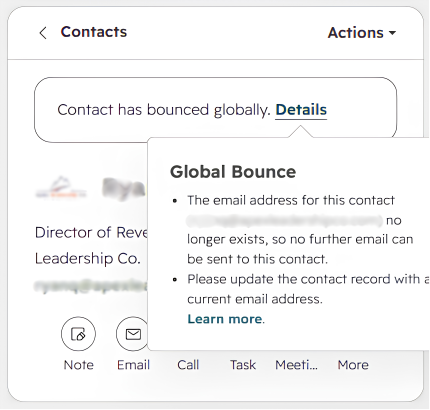
- Clean the list behind it. HubSpot automatically suppresses addresses that have already hard-bounced. It can't catch the bad addresses you haven't sent to yet. Validate the list, suppress anything invalid or risky.
- Restart with your most engaged contacts. For a week or two, only email people who opened or clicked in the last 60 to 90 days. Positive engagement is what rebuilds reputation.
- Widen gradually. Add the next engagement tier each week and watch bounces and complaints after each step. Any segment that drags the numbers down goes into a re-permission campaign or a sunset policy.
- Stay on your domain. Moving to a new sending domain to escape the problem means starting with no reputation at all, and providers recognise the tactic. Several weeks of consistent, clean sending on the domain you have will get you further.
How to keep it healthy
Once your reputation has recovered, keeping it there comes down to a few habits.
Keep the list clean continuously. Don't just clean it before a big send. Your HubSpot list decays on its own: people change jobs, forms collect typos, and every Apollo or Clay run adds addresses nobody has checked.
Use double opt-in where it fits. HubSpot supports it for subscriptions, and it confirms both that the address is real and that the person actually wants your email.
Segment by engagement. Your least engaged contacts shouldn't receive the same volume as your best ones.
Write content that doesn't look like spam. Clear subject lines, a real balance of text and images, and links to reputable domains. Words like "free" are fine if the offer is genuine. Misleading subject lines are not.
Where Koalify fits
Koalify handles the list side of sender reputation from inside HubSpot. It doesn't touch your DNS, your IP or your content.
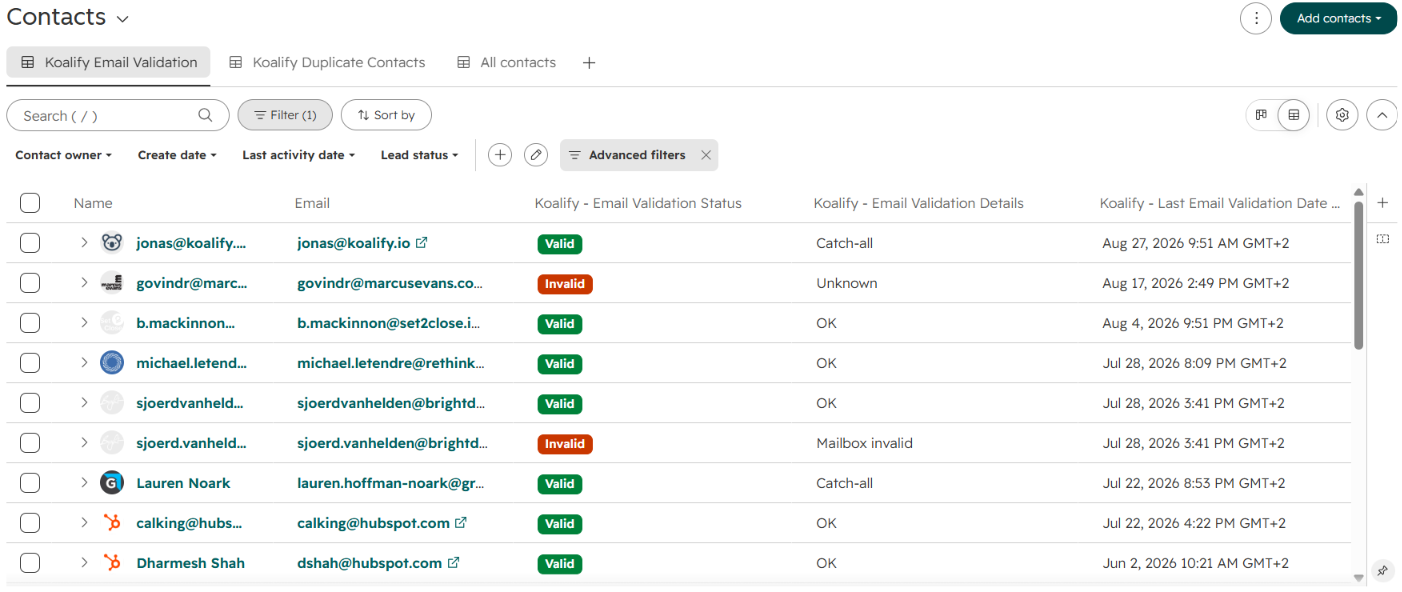
Email validation checks your existing contacts in bulk to clear the backlog, then keeps checking every new contact as it's created or updated. It writes the result to a HubSpot property, so you can build suppression lists and keep invalid addresses out of your sends. Teams using it have brought sends down to a 0.4% bounce rate across 4,000+ emails. Deduplication takes care of repeat sends by merging duplicate contacts, so one person gets one email. Neither will save a domain with broken authentication. Both stop the reputation damage that comes from the list itself.
Frequently asked questions
What is a good sender reputation in HubSpot?
There's no single score to aim for. In practice, a good reputation shows up as a bounce rate under about 2%, a spam complaint rate under 0.1%, and open rates that hold steady on the same lists from one send to the next. If those three hold, your reputation is healthy.
Does HubSpot's shared IP hurt my sender reputation?
Rarely. HubSpot actively manages its shared pools, and your domain reputation matters more than the IP. A dedicated IP only makes sense if you send high volumes consistently and your list is already clean.
How long does it take to rebuild sender reputation?
Usually several weeks of consistent, clean sending to engaged contacts. It depends on how much damage was done and how much you send. Sending less, to people who open, recovers faster than sending the same volume and hoping it improves.
Do unsubscribes hurt sender reputation?
Somewhat, when the rate is high, because it suggests you're emailing people who didn't want your mail. But an unsubscribe does far less damage than a spam complaint, so making unsubscribing easy protects your reputation.
Your sender reputation reflects how well you look after your list. Before your next campaign, see how many invalid and duplicate contacts are sitting in your HubSpot.