


You've built the app, the OAuth flow works, and you're ready to submit. Then the review comes back asking you to remove six scopes and rewrite your setup guide.
We've listed two apps in the HubSpot Marketplace, Koalify - Merge & Deduplicate and Koalify - Email Validation, and both were approved quickly. We recently joined Jana from HubSpot's Ecosystem Quality team, the people who review every Marketplace listing, for a conversation on HubSpot's developer channel. Jonas and Tim (Koalify's co-founders) shared what worked, and Jana explained where most first submissions fall short. You can watch the full video below.
Build inside HubSpot, not next to it
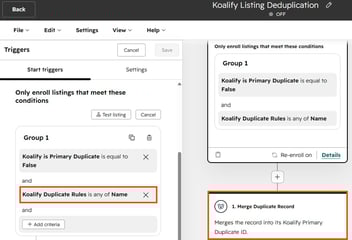
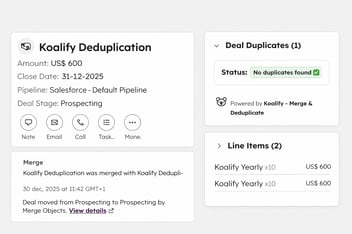
HubSpot admins don't want another platform to log into. That's why Koalify uses HubSpot properties, CRM cards, workflow actions and the app settings page. There's no separate interface to learn. Admins judge an app by how little it asks of them, and an app that feels like part of HubSpot needs less training and less support.
Start with zero scopes and earn each one
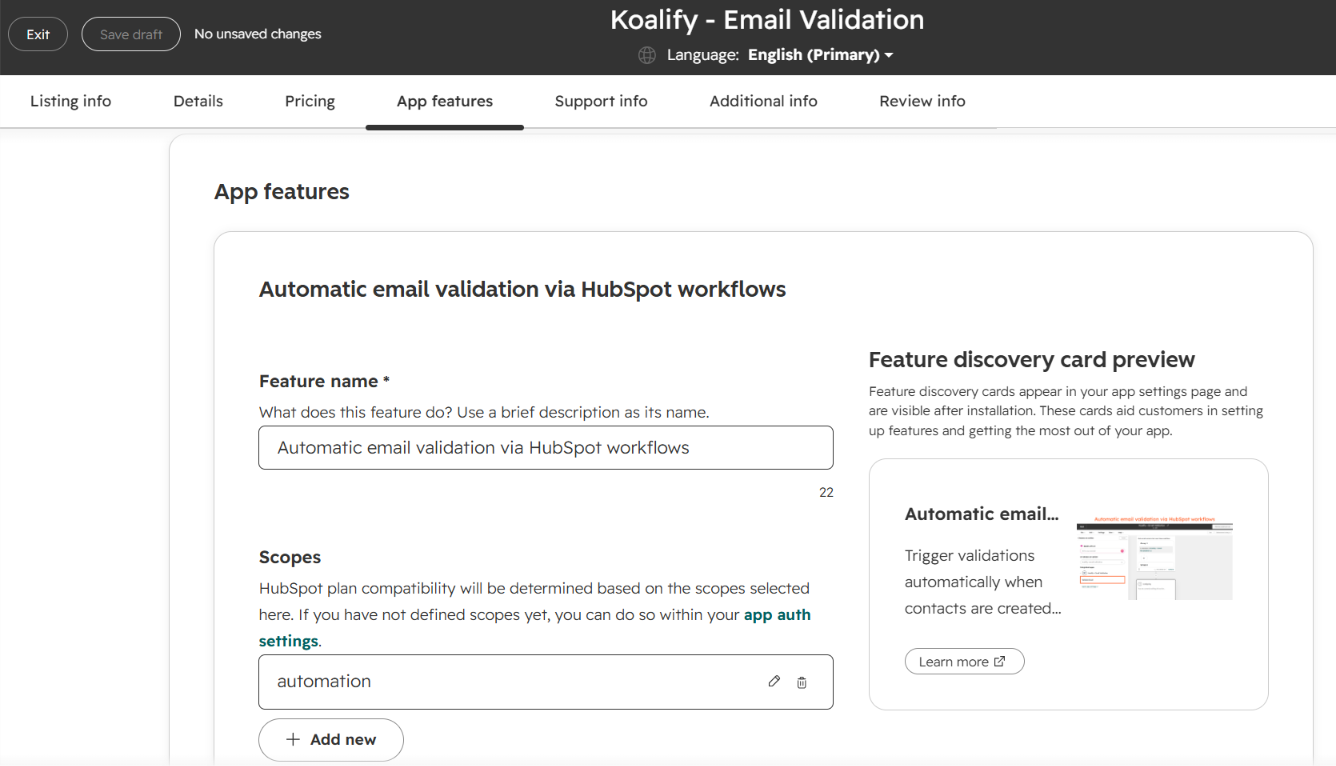
Tim's advice is to start with only the OAuth scope and add others when a feature genuinely needs them. Don't request anything "just in case."
Every scope must link to at least one feature in your listing. HubSpot also checks your API activity to confirm each scope is used. Before you submit, generate the sample install URL from your project's distribution settings. It shows you exactly which permissions users will be asked to grant.
Your listing describes the integration, not your company
What stood out to Jana was that our listing showed the integration itself. A strong listing includes:
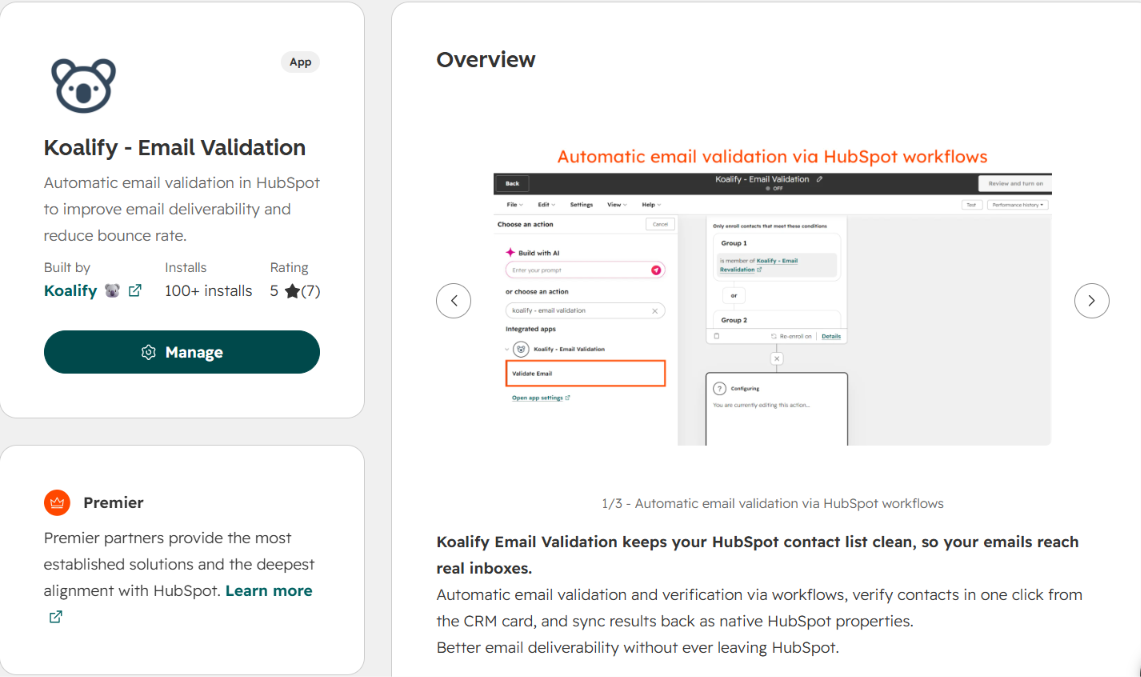
- Screenshots of the current HubSpot UI showing where your app appears.
- A clear use case explaining what the app does inside HubSpot.
- Pricing that matches your website. Preview how your plans render.
- Support docs, terms of service and a privacy policy.
The three reasons listings get sent back
1. Weak setup documentation. Linking to your homepage isn't a setup guide. Reviewers want written, step-by-step instructions from install to first use.
2. Shared data table errors. Every scope you request should map to a HubSpot object in the table.
3. Unused scopes. If there's no API activity to justify a scope, you'll be asked to remove it. That includes scopes for features you haven't built yet.
Test with people who don't work for you
Get unaffiliated beta users to install the app and use it in their own portals. Their usage generates the API activity reviewers need, and it gets you the active installs required to apply (check the listing requirements for the current number). It's also a useful test of whether anyone actually wants the app.
Build small, then build on it
Solve one small problem exactly. A focused app is easier to build, review and understand, and you can add features once people are using it.
Learn More & Stay Connected
Get started with HubSpot Development 👉 https://developers.hubspot.com/